Use the physical switch
Keep the wall control everyone already understands and uses every day.
InviSwitch adds smart control behind a compatible wall switch. Use the switch or the app, at home or away, and share access with your family.
Working prototype shown. Ask us about availability and installation.
See the physical switch, app and connected InviSwitch prototype working together. This demonstration footage shows a development build; the app previews below reflect the latest interface.
Keep the wall control everyone already understands and uses every day.
Manage devices, rooms, and quick controls with fast response inside your home.
Use secure remote access and see live online and device status from the same app.
InviSwitch brings physical switching, local app control, and secure remote access into one coherent experience—without turning your wall into another screen.
The enclosed module is designed to sit out of sight behind the existing switch.
The familiar wall switch remains available for everyday use.
Control devices over your home network with responsive feedback.
Stay connected to your home from the same app when you are away.
See online and device status without guessing what happened.
Invite trusted people by email, assign Member or Admin access, and manage pending invitations from the app.
Let’s discuss the right setup, pricing and installation for your project.
InviSwitch is designed to sit behind the wall switch you already know. The technology stays hidden while physical control remains familiar.
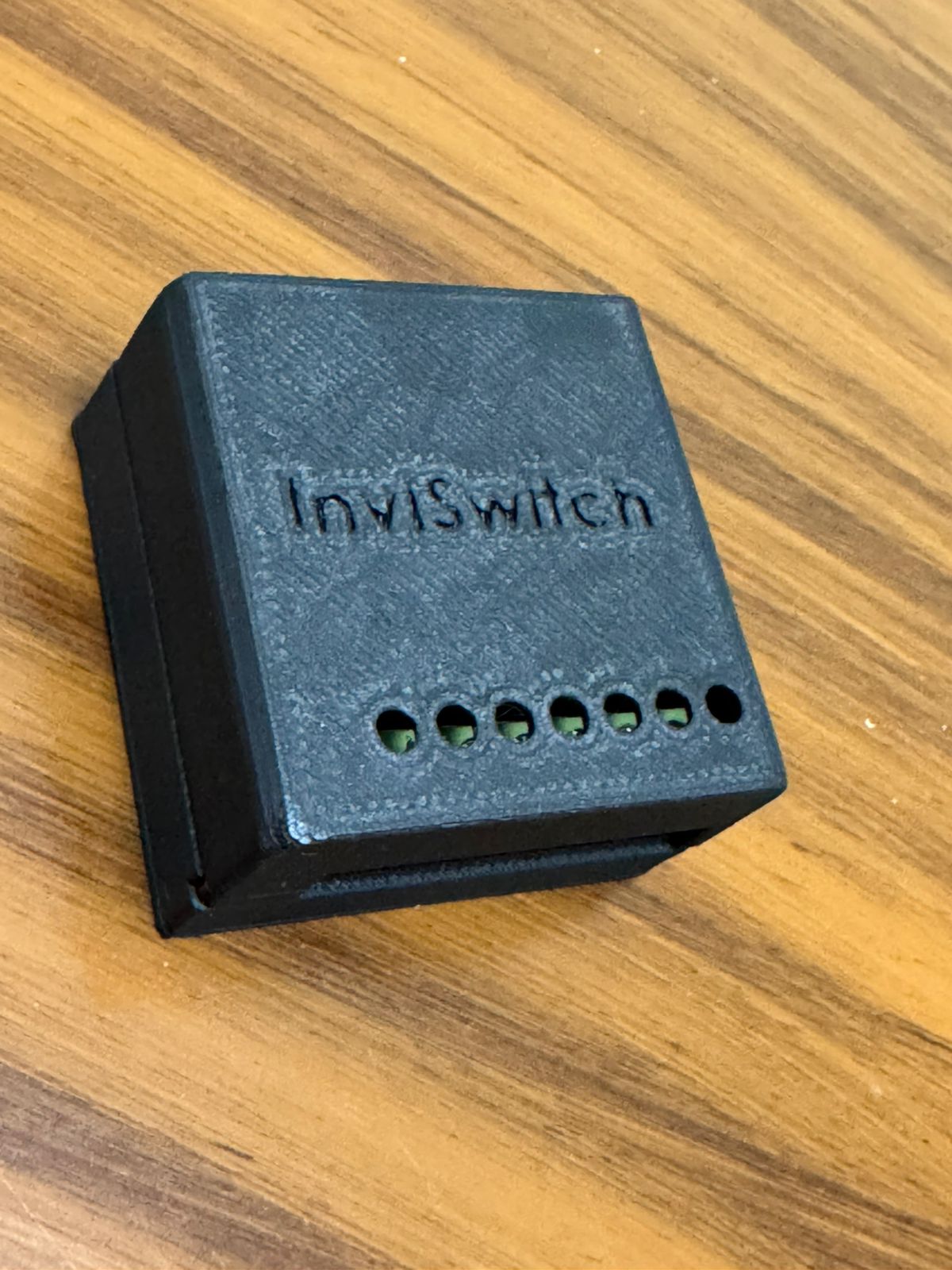
The enclosed module is designed to fit inside the wall box, connecting the physical switch to local app control and secure access when you are away.
Installation should be completed by a qualified electrician.
InviSwitch responds locally while you are home and gives you a secure route back to your devices when you are away.
Everyday control stays inside the home network for a responsive experience.
Reach your home securely while leaving the familiar wall switch available as usual.
A qualified electrician places the enclosed module in the wall box while keeping the physical control available.
The app connects with the home hub on your local network to prepare the system for control.
Use the wall switch, control locally from the app, or connect securely while away.
Installation should be completed by a qualified electrician.
Check your Hub connection, browse Overview, Rooms and Devices, and hold a device to open its settings. The latest app keeps daily control and shared home access together.
Hold a device to open its settings.
Invite family members by email and choose their home role. They join using the private invitation code sent to their address.
Members can control devices in this home.
8 enabled devices from EXAMPLE-01
Main light, Wall light, Hall lightThey will receive your enabled devices with the same names, rooms and icons.
The server will email a private invitation code to this address.
Temporarily prevent the wall switch from changing the device while keeping control available in the InviSwitch app. Useful for children’s rooms, shared spaces, or preventing accidental changes.
Choose how a compatible device responds when electricity returns: restore the previous state, stay off, or turn on.
These external ecosystem integrations are planned for future releases and are not available yet.
The experience is designed to keep home control clear and private, whether you are connecting locally or checking in while away.
Account verification and recovery help keep control with the right person.
Initial setup is designed to happen locally in the home.
Remote access is designed around a secure connection back to your home.
Share home access through email invitations, with Member and Admin roles and permission-based member management.
What to know before choosing InviSwitch for your home.
InviSwitch is designed to fit behind a compatible existing switch. A qualified electrician must check your wiring, wall-box space and intended devices before installation.
Installation should be carried out by a qualified electrician. Contact us to discuss your property and installation requirements.
At home, the app connects with the InviSwitch Hub over your local network. Remote access uses the InviSwitch cloud service, so you can reach your home while away.
Yes. Home owners can invite Members or Admins by email. Admins can invite Members. Invitees join using a private code, and member management follows each person’s home permissions.
These integrations are on the roadmap and are not available yet. Current control is through the physical switch and InviSwitch app.
Contact us with your home or project details for current pricing and availability. This website shows a working prototype; final specifications and release details are being confirmed.
Tell us what you want to control. Contact InviSwitch about availability, pricing and installation for your home or project.
Prefer to email directly?
inviswitchsupport@gmail.com
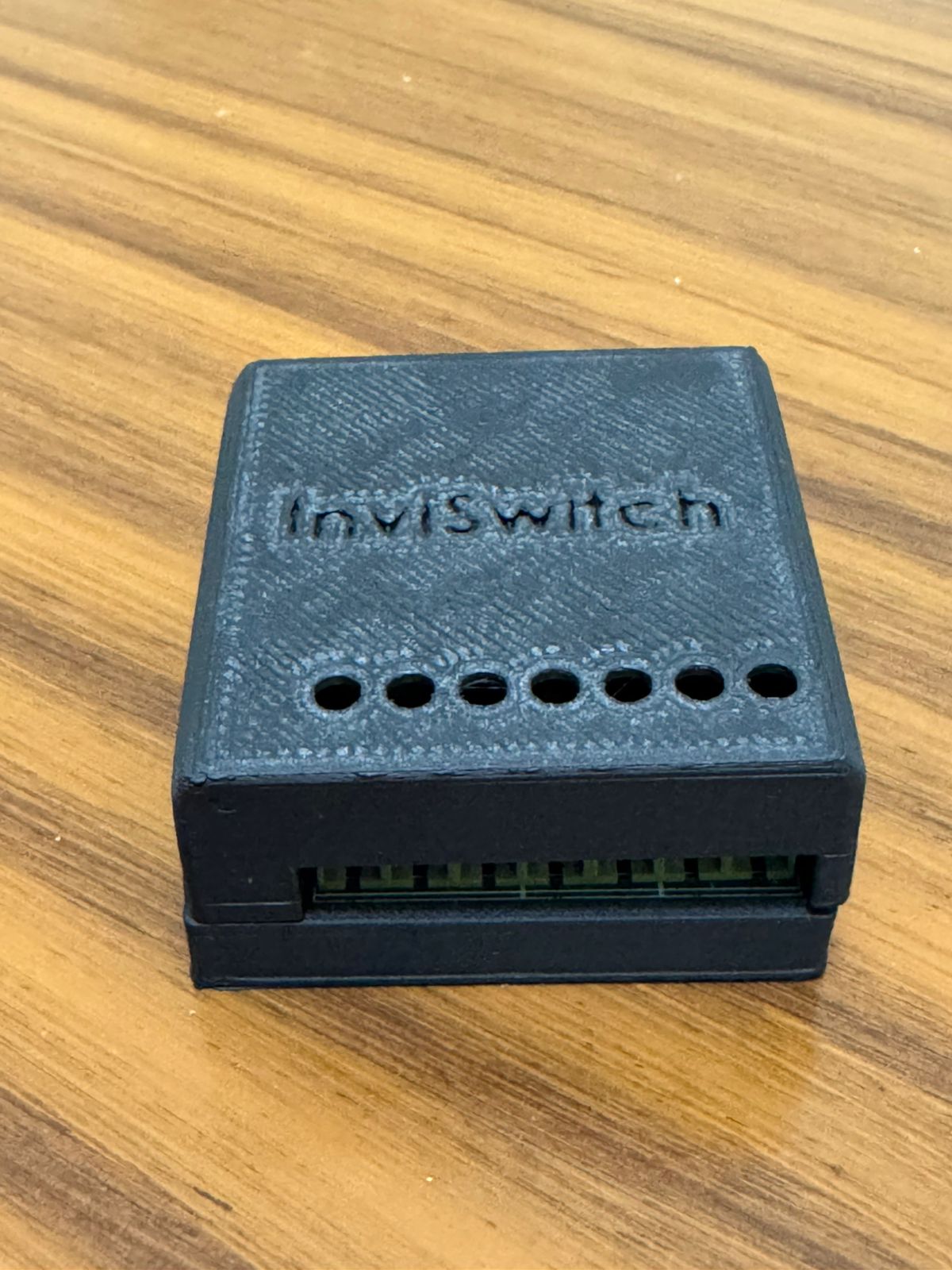
Take a closer look at the enclosure, custom electronics and current product build.
The enclosure keeps the technology compact and hidden. Inside, custom electronics connect physical switching, local communication, and remote control.
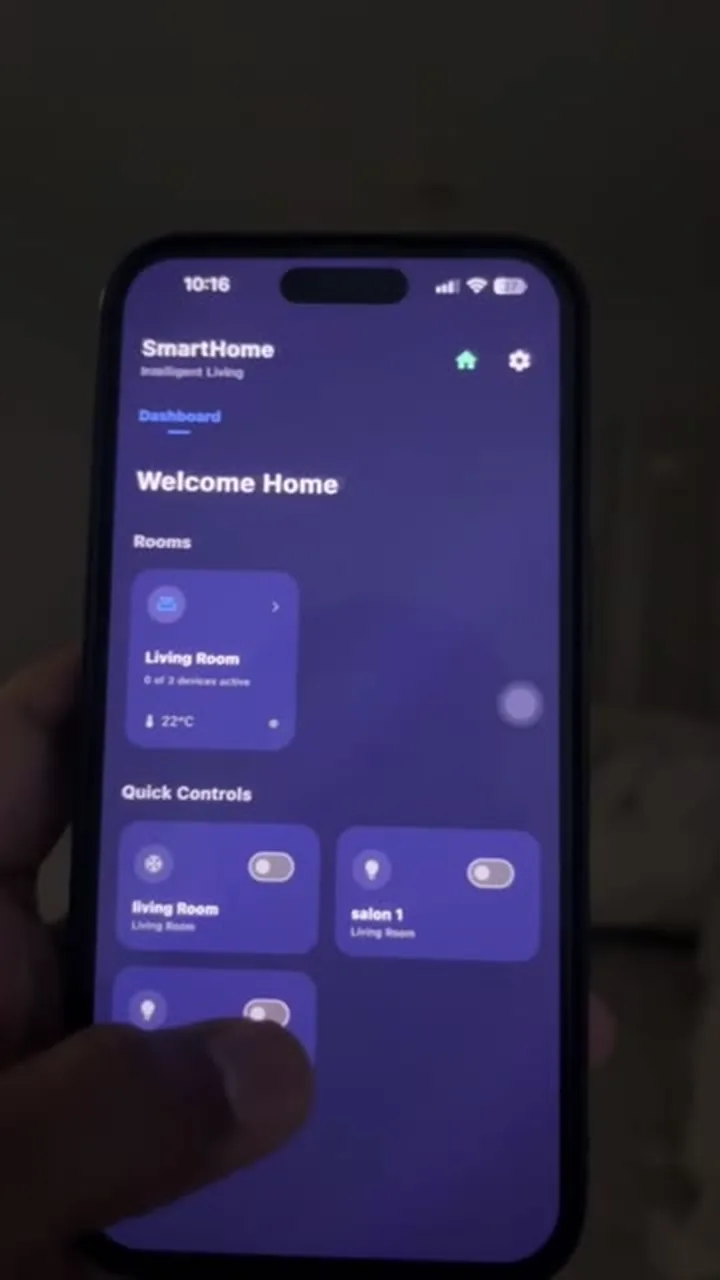 Prototype demonstrationSee the physical switch and app working together